Creating Your Account
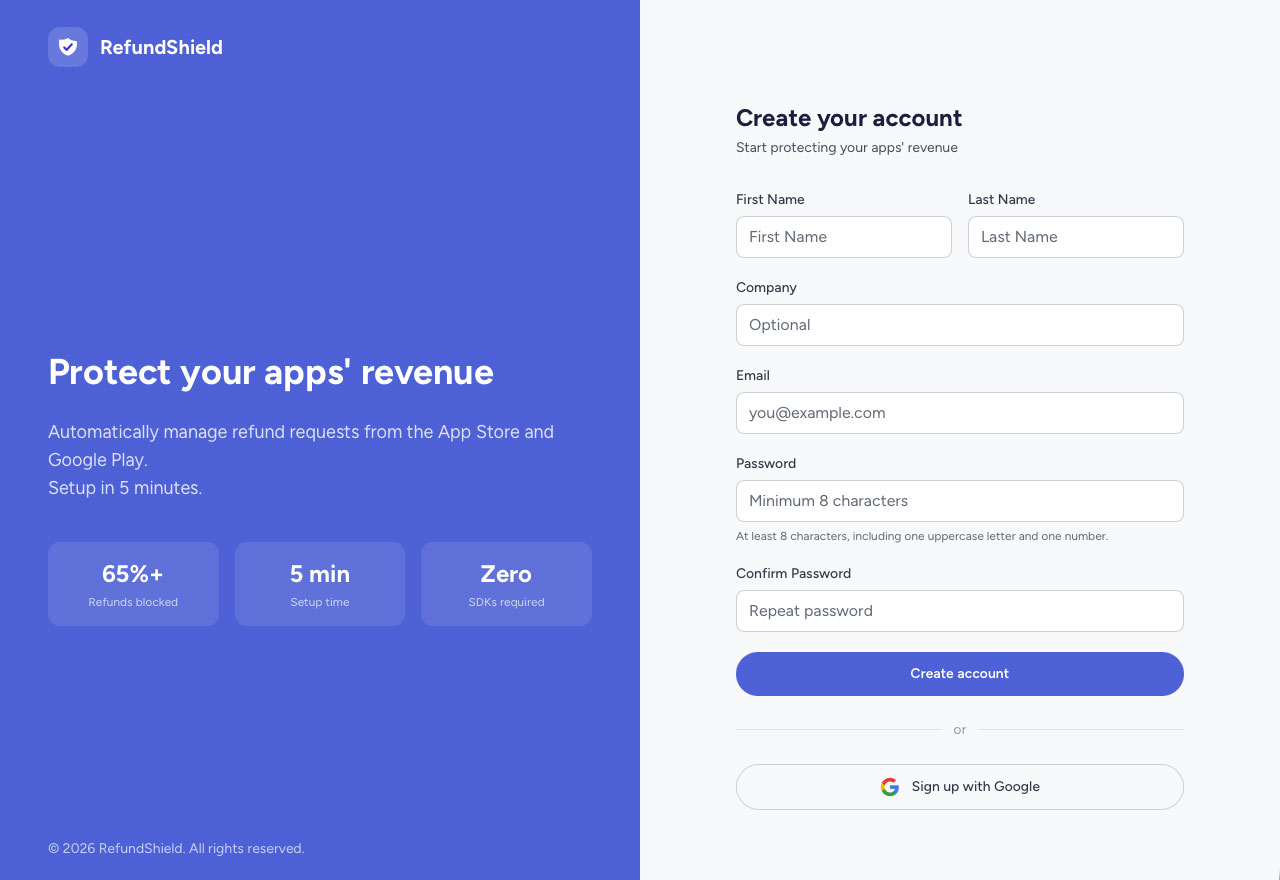
Creating a RefundShield account takes less than a minute. You can sign up with your email or use Google Sign-In.
Sign Up with Email
- Go to the registration page
- Fill in your first name, last name, and email address
- Choose a password (minimum 8 characters, with at least one uppercase letter and one number)
- Click Create account
- Check your email for a verification link and confirm your address
Sign Up with Google
- Go to the registration page
- Click Continue with Google
- Select your Google account
- You're in, no email verification needed
After Registration
Once your account is created, you'll land on your dashboard. From here you can:
- Start your free trial: 14 days of full access, no credit card required
- Configure your preferences: date format, email report frequency